
Fan control for your gaming handheld
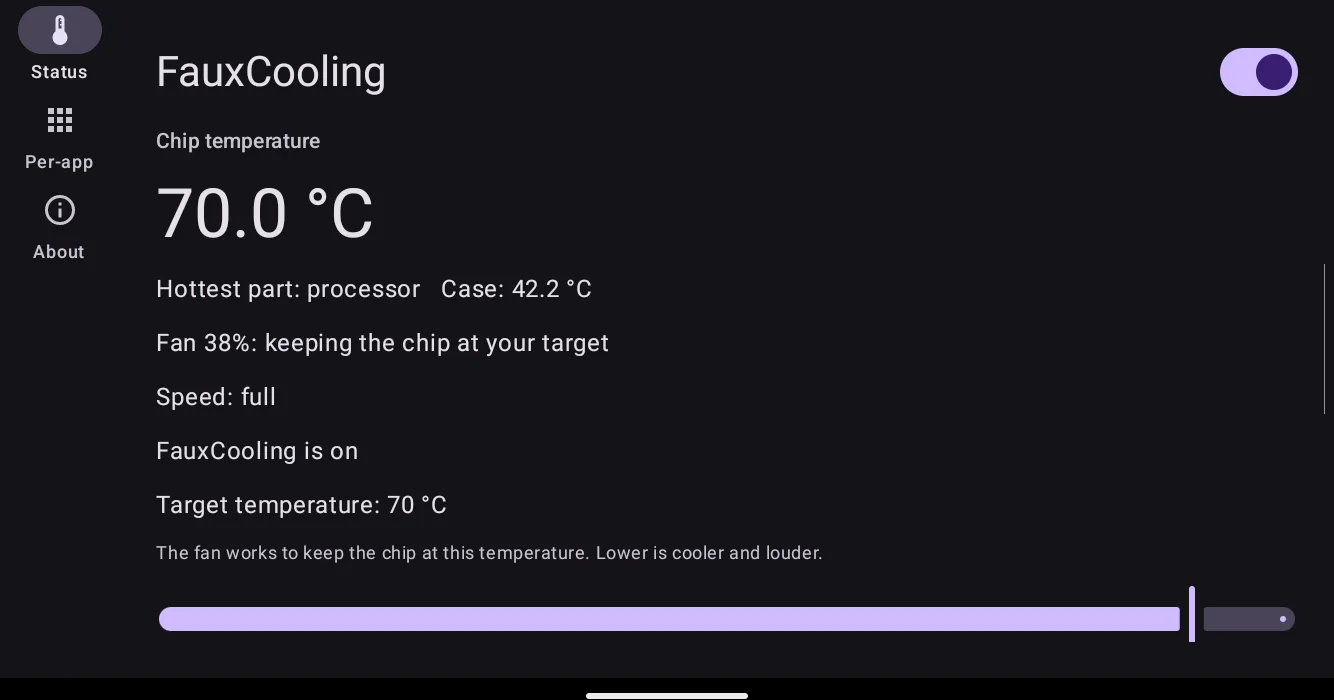
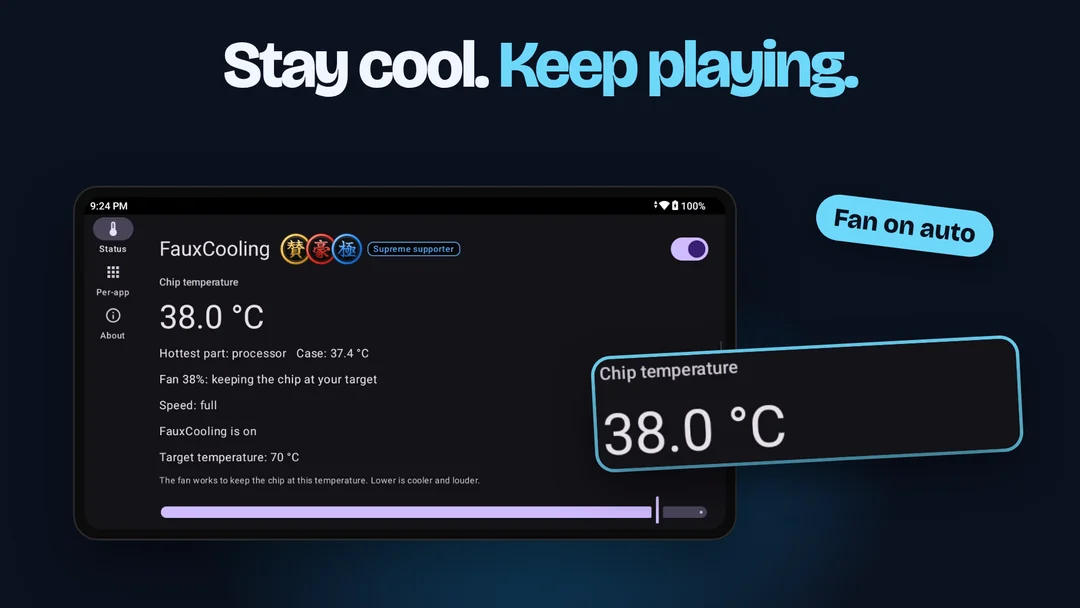
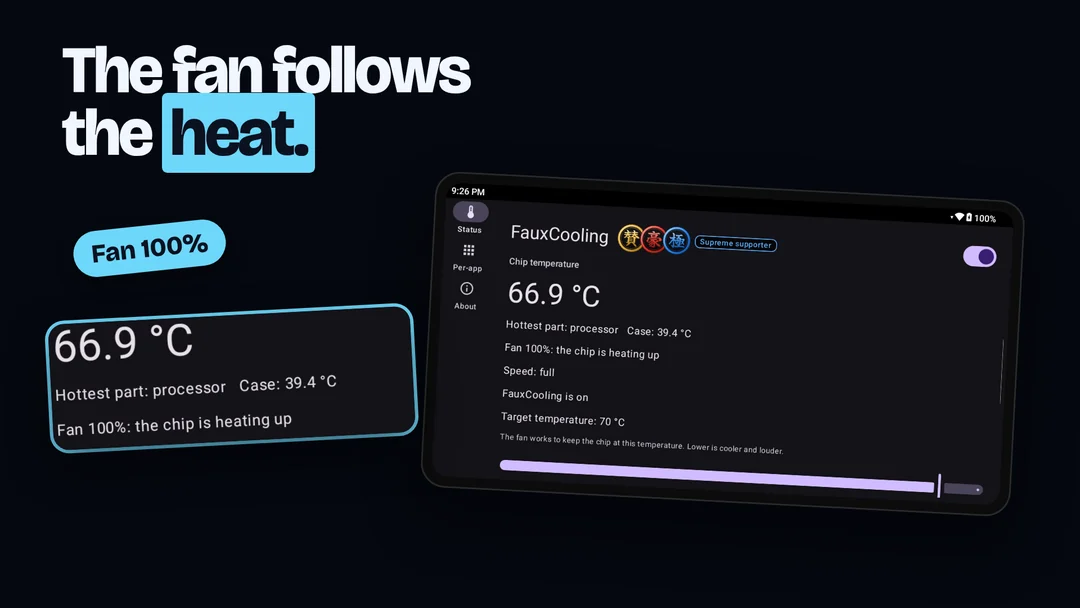
FauxCooling watches how hot the chip is, turns the fan up as the heat builds, and turns it back down when things cool off. You pick the temperature it aims for.

If you installed FauxCooling from Google Play, uninstall that copy first. The GitHub copy will not install over it.
Free. No ads, no account, no paid features.
What it does
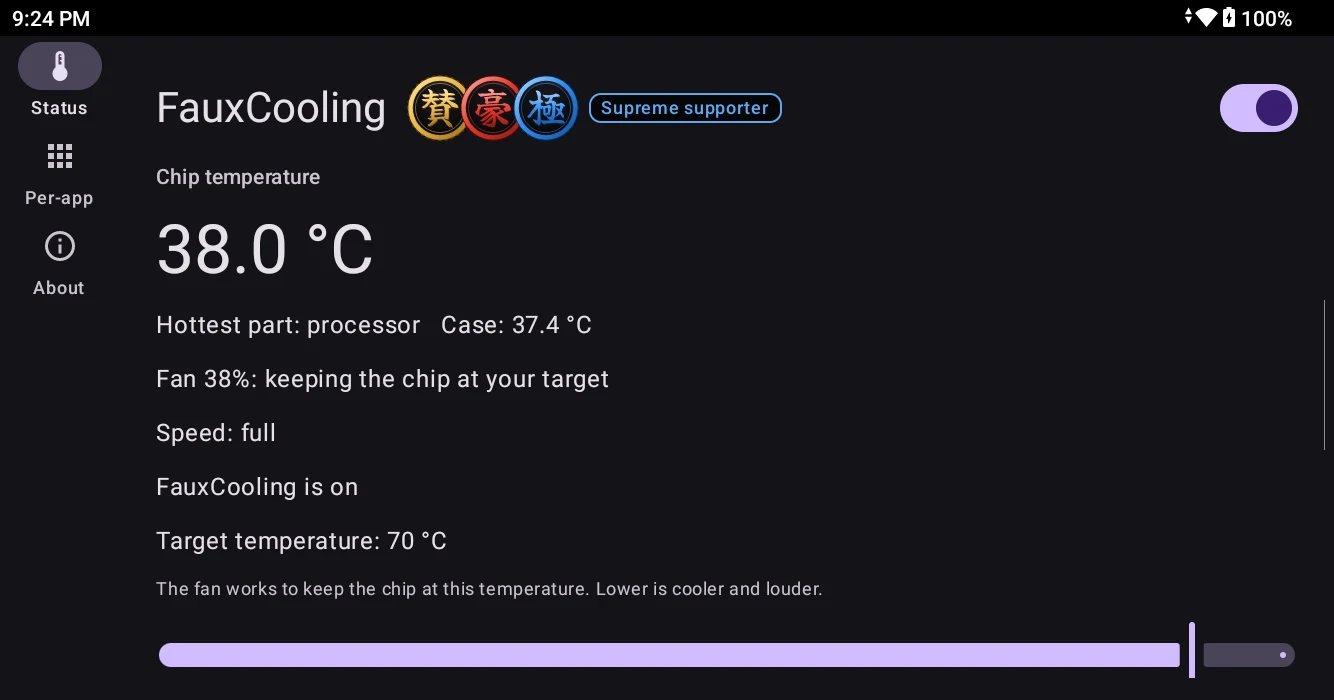
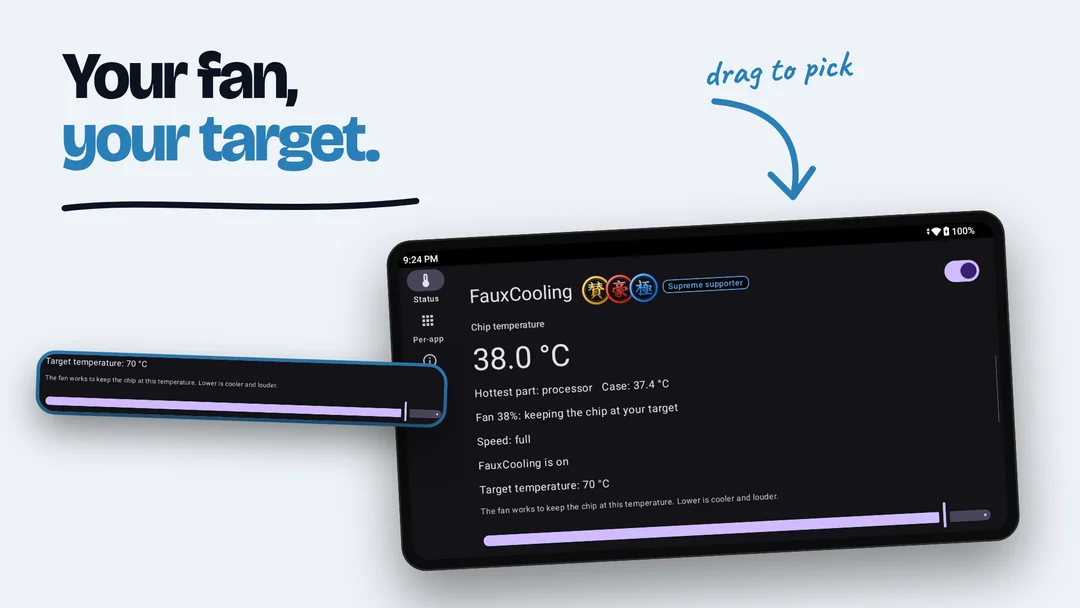
One page shows the temperature, the fan, and the speed, updated every second.
You choose the target
Set a target temperature with one slider. A lower target means a cooler chip and a louder fan.
Settings per app
Give a game its own target. It applies by itself while that game is on screen.
Easy to undo
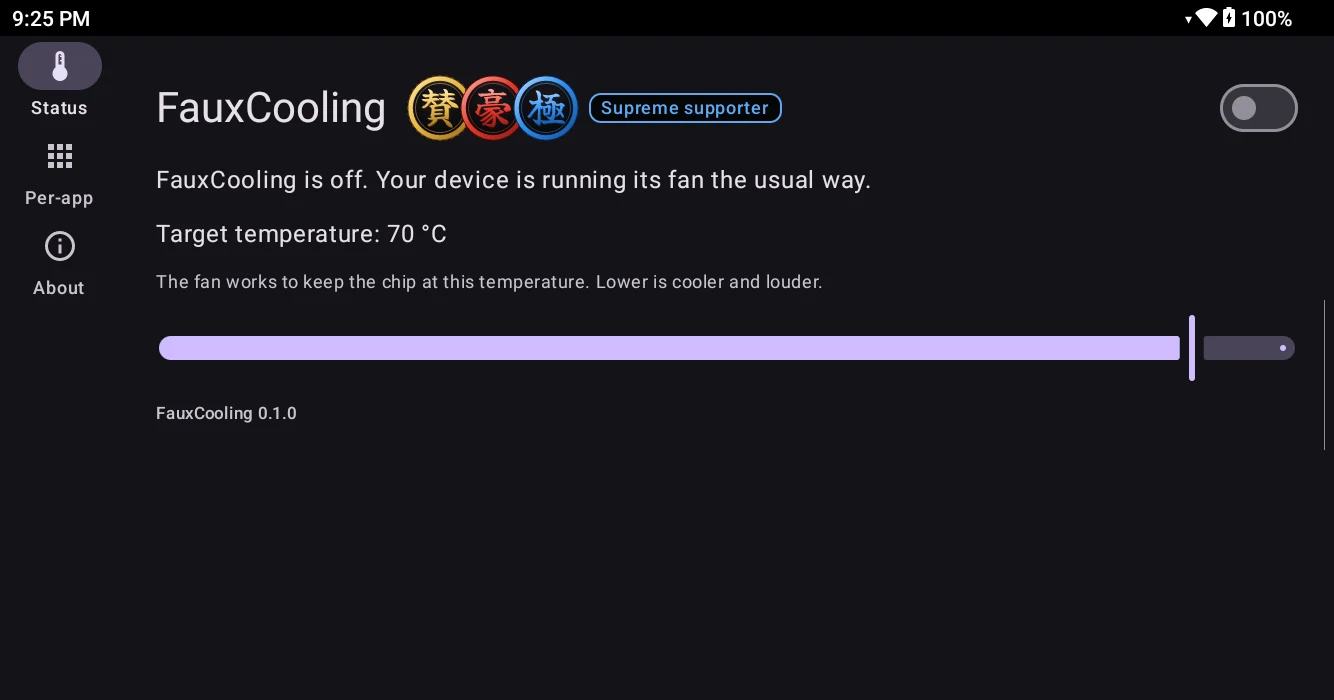
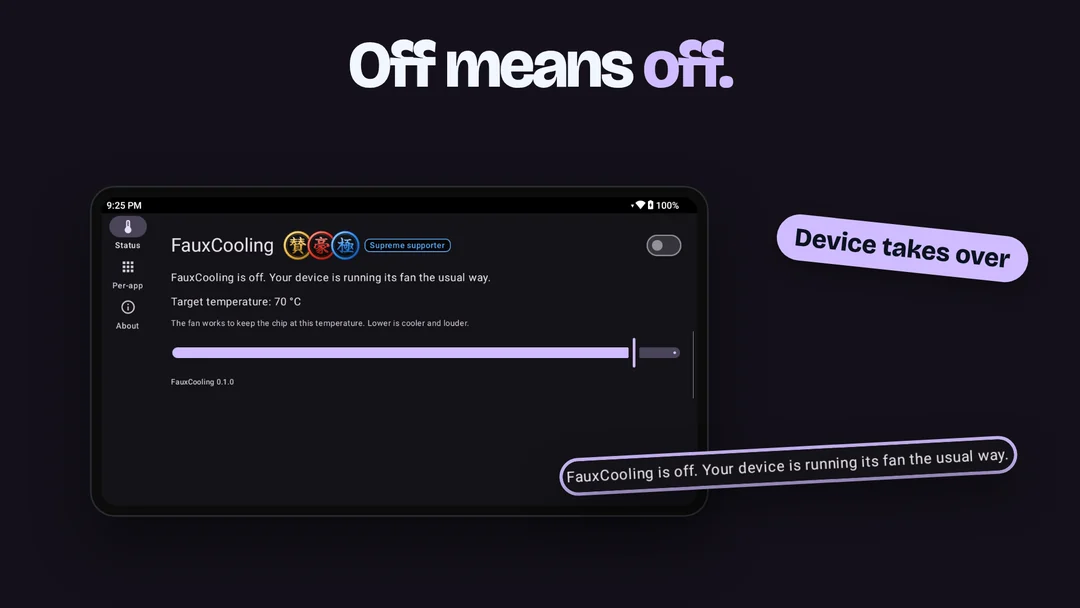
Switch it off and your device takes its fan back at once. The same happens if FauxCooling ever stops by itself.
A safety limit
If the chip passes a fixed safety temperature, the fan goes to full speed.
Starts with the device
Leave it switched on and it starts again after a restart.
Stays on your device
The app goes online for one thing: to ask GitHub whether a newer version is out. Nothing about you is collected or sent.
Screenshots

Supported devices
On any AYN or Retroid Pocket device it works as installed. Any other device has to be rooted.
| Device | Needs root? | Notes |
|---|---|---|
| Any AYN Android device | No | Uses a service the maker includes. Measured on the Odin 3. On another model it works inside the device's own temperature limits. |
| Any Retroid Pocket device | No | Uses a service the maker includes. Measured on the Pocket 4 Pro. On another model it works inside the device's own temperature limits. |
| Anbernic devices | Yes | Measured on the RG556. |
| GameForce Ace | Yes | Works. Not yet compared against the device's own fan control. |
| Any rooted phone or tablet | Yes | Works even without a fan: it slows the chip a little when it gets close to the device's own limit. |
Rooted means Magisk, KernelSU, or APatch. On a device where the app cannot get the access it needs, it tells you it is not compatible and changes nothing.
What was measured
One unit of each device, a few runs each. Your game, your unit, and your room will differ.
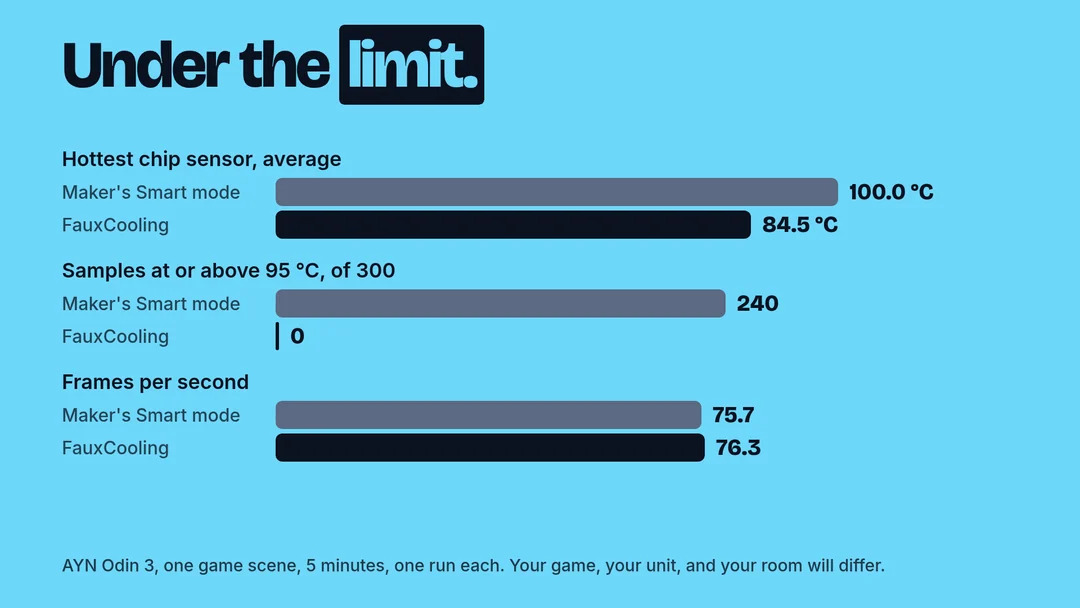
- AYN Odin 3, a 3D platformer in an emulator, one still scene for 5 minutes: 75.4 frames per second with the hottest part of the chip averaging 88.5 °C, against 73.6 at 104.7 °C with the maker's Smart fan mode.
- AYN Odin 3, an open-world action game in an emulator: 23.5 frames per second at 91.6 °C, against 23.6 at 102.4 °C with the maker's Smart fan mode.
- Retroid Pocket 4 Pro, a 5-minute stress test that keeps every processor core busy, two pairs of runs: 4% and 17% more work completed than with the maker's Smart fan mode. In the second pair, the run with the maker's mode started with the device 3 °C warmer.
- Anbernic RG556, the same stress test, two pairs of runs: the same amount of work (within 1%) with the fan at 42% to 49% on average, against 74% to 78% with the maker's fan mode. The chip ran 2 to 4 °C warmer.
Free, from an independent developer
Every feature is free. An independent developer makes FauxCooling for the handheld community. If it helps you, a gift on one of these pages keeps it free for everyone, including players who cannot give. It unlocks nothing. Supporters get a badge in the app: Supporter at $3.99 or more in total, Major supporter at $6.99, Supreme supporter at $9.99. The key for the badge arrives by email, and one key shows the same badge in every free Faux app.

More apps from the same developer
One tap on a badge opens the download page.


FauxClockNG
Needs root. Set CPU governor, GPU, memory, I/O and network options by hand.
For rooted Android

RomRoster
One list of every game on every handheld you own. See what is on which device.
For Android, iPhone, and iPad

 Coming soon

Shellvana
An SSH client that renders terminal output as readable prose, not a tiny grid.
For Android, iPhone, and iPad

Net SD card
Your PC game library, shown to your Android emulators as if it were on the SD card. No root.
For Android
- Coming soon


Face Trend
Watch how your face changes over time, privately, on your phone.
For Android and iPhone
- Coming soon
- Coming soon